Before you begin
All you need is a valid email address. Guesti works in any modern browser — no downloads or installs needed.
Step-by-step: Creating your account
1
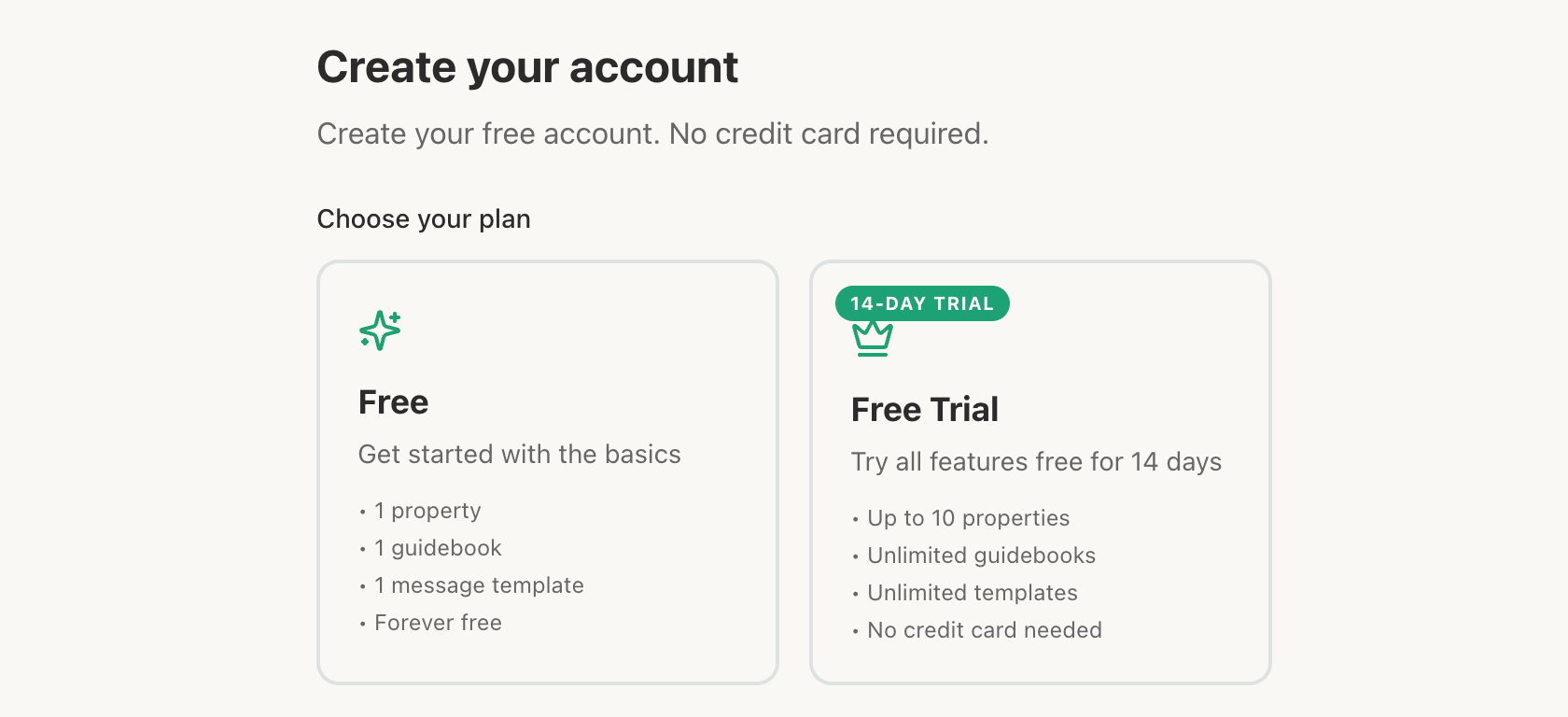
Go to app.guesti.co/signup and click the corresponding plan.
2
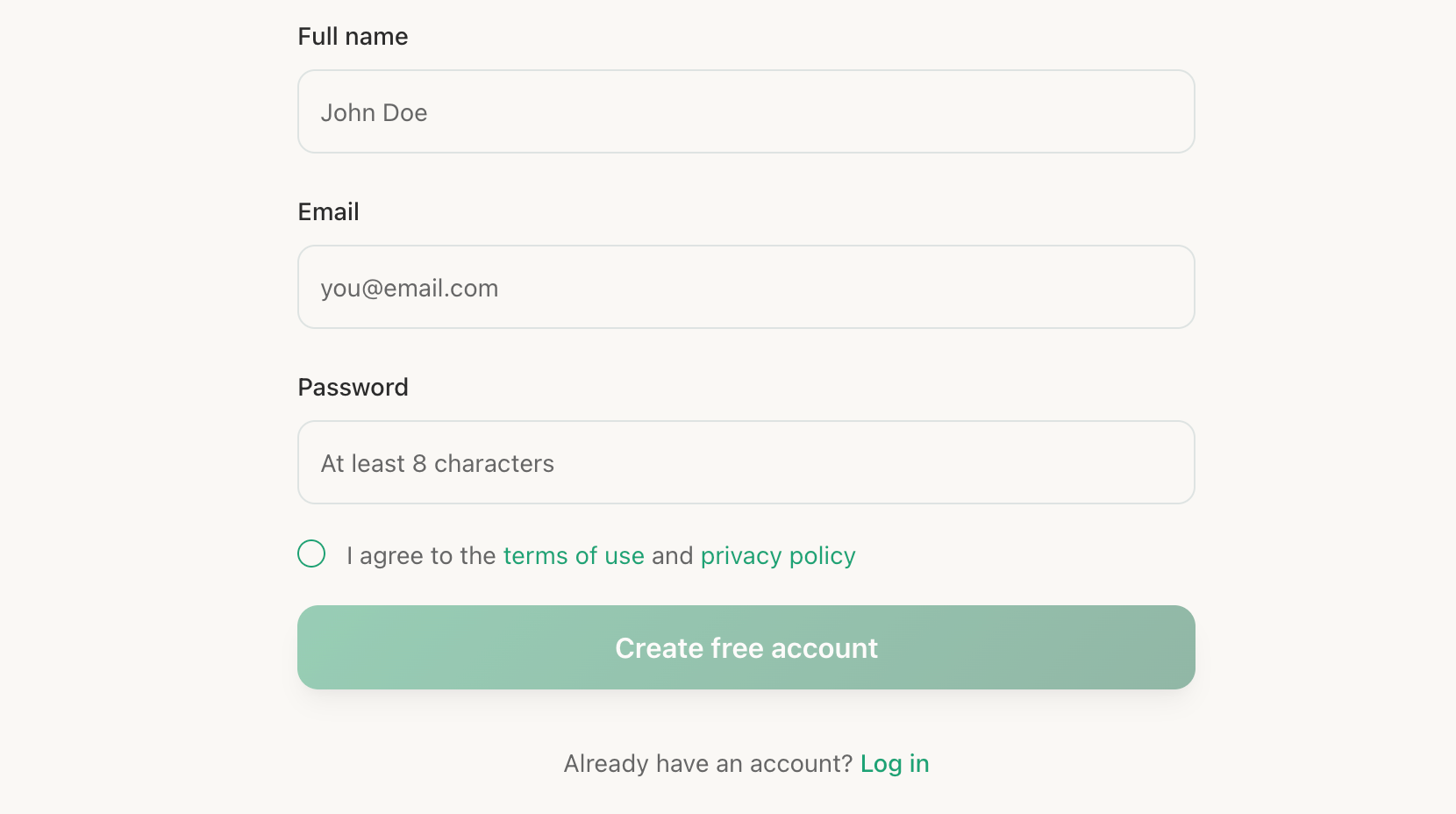
Enter your email and create a password
Use a real email address you can access — you'll need to verify it. Your password must be at least 8 characters long.
3
Verify your email address
Check your inbox for an email from info@guesti.co. Click the "Verify email" button inside. If you don't see it within a minute, check your spam folder.
4
Complete your profile (optional)
After verification, you can add your name and a profile photo in the Settings page. This information appears in your Guidebook, making the experience feel more personal. You can also skip this step and come back later.
5
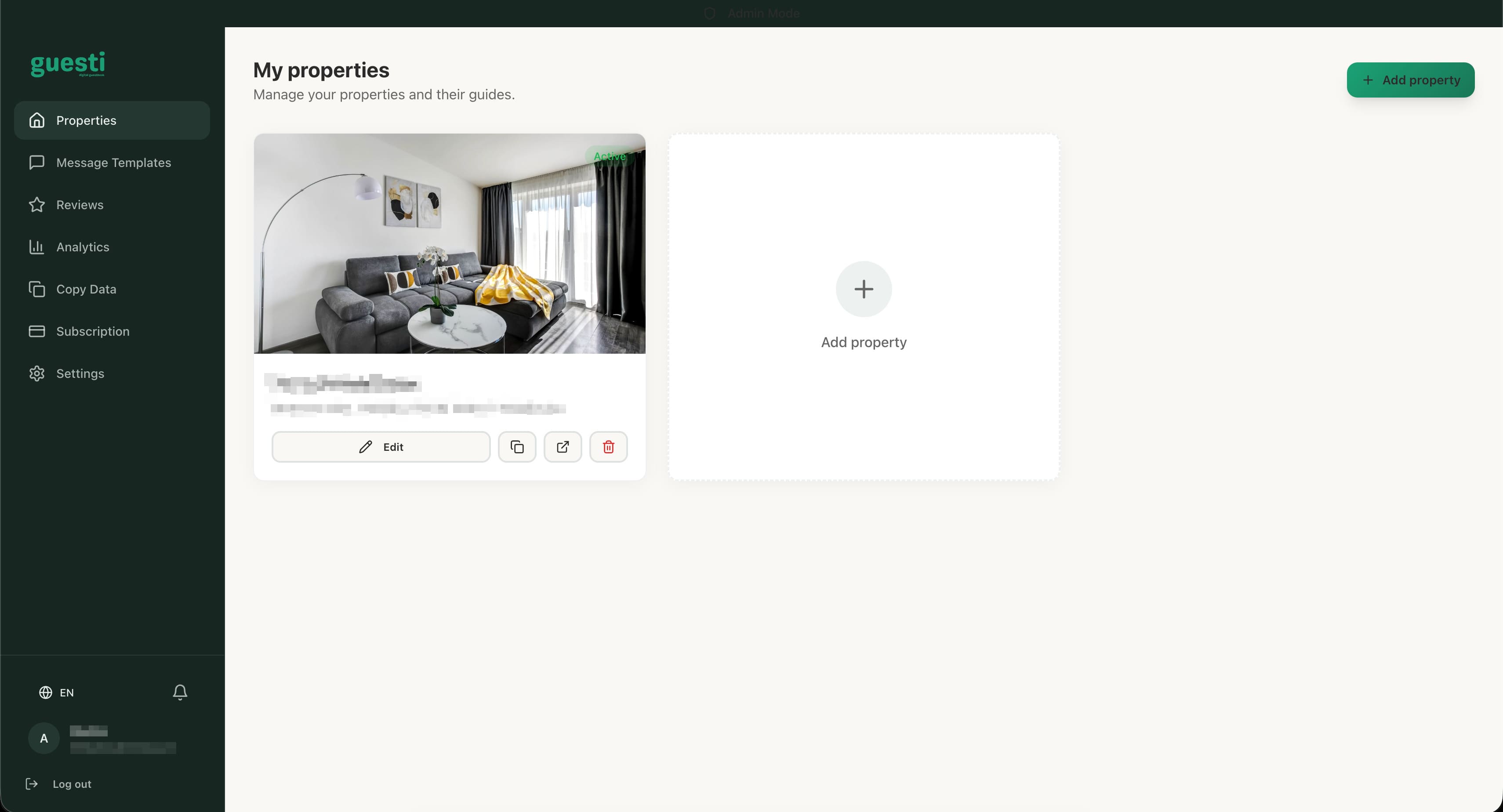
You're in! Welcome to your dashboard
Your dashboard is your command center. From here you can add properties, build portals, manage templates, and more.