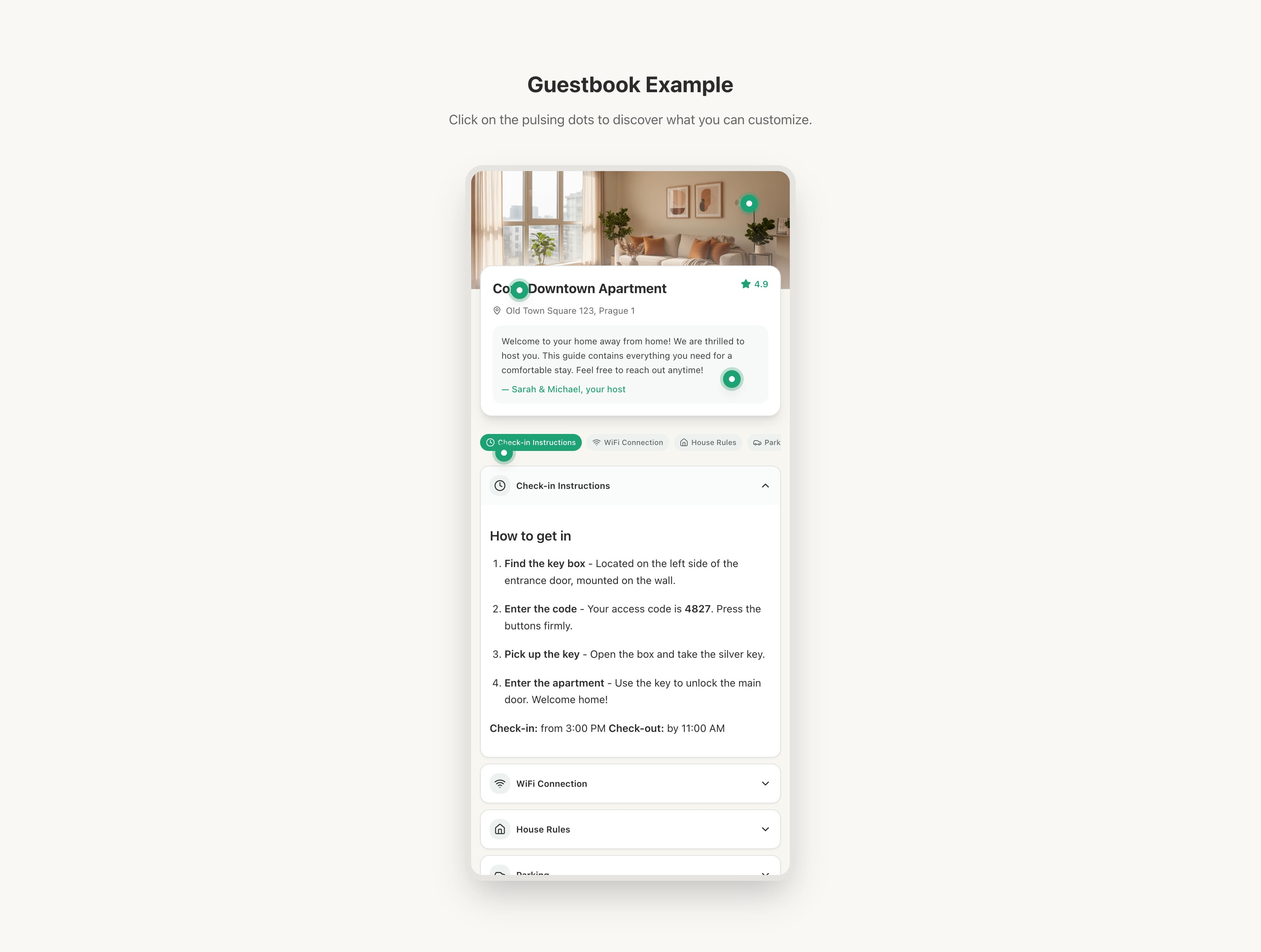
What is a guidebook?
A guidebook is a personalised, web-based guidebook for your rental. Instead of sending long check-in messages or printing paper instructions, you share a single link that guests can open on their phone or laptop. It contains everything they need — WiFi, house rules, local tips, check-out instructions, and more.
In reality it contains whatever information you want to present to your guests and in the order of your preference.
Portal Builder layout
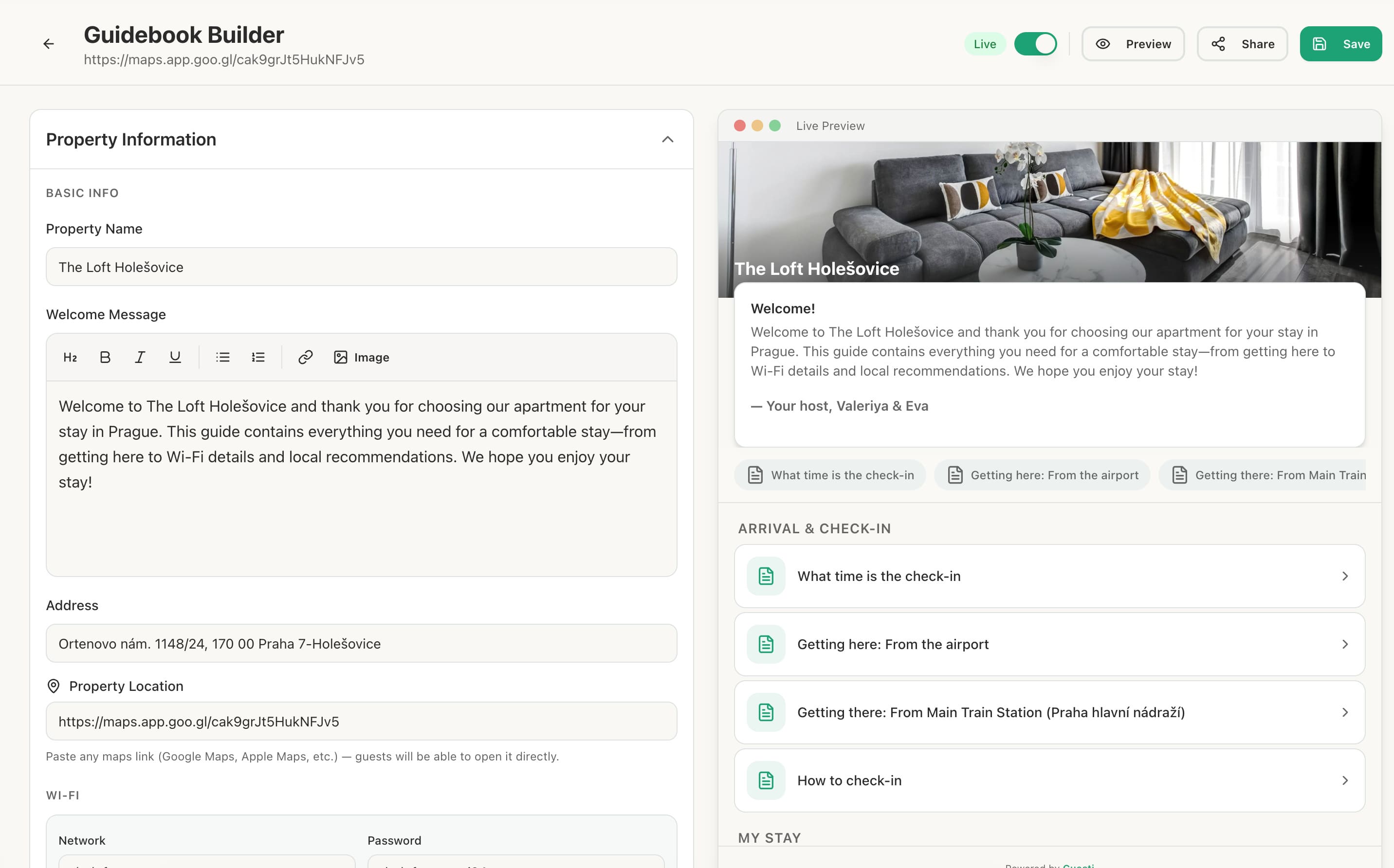
The Portal Builder is divided into two areas:
- Left panel: Section list — add, reorder, and manage sections.
- Right panel: Live preview — see exactly how your portal looks as you build it.
Available section types
| Section | What it contains |
|---|---|
| 🏠 Welcome | Host photo, name, and welcome message |
| 📶 WiFi | Network name and password |
| 📋 House Rules | Formatted list of rules |
| 🔑 Check-in | Entry instructions, key code |
| 🧹 Check-out | Check-out time and instructions |
| 📍 Getting There | Address, directions, map link |
| 🍽️ Local Recommendations | Restaurants, cafes, attractions |
| 📞 Emergency Contacts | Key contacts and numbers |
| 📄 Custom Section | Freeform text and rich content |
Publishing your portal
Once you're happy with your portal, click Publish. This generates a unique URL you can share with guests directly, via a QR code, or through a message template. See Publishing & Sharing for details.
The centre preview updates in real time as you edit sections — you always see exactly what your guests will see.