
What is the embed widget?
The embed widget is a small snippet of HTML code that you paste into any website. It displays your approved Guesti reviews as a beautiful, responsive carousel or list — automatically updating whenever you approve new reviews.
 Screenshot: Embed widget preview
A website page showing the Guesti review widget embedded below a
property description, displaying 3 review cards in a carousel
Screenshot: Embed widget preview
A website page showing the Guesti review widget embedded below a
property description, displaying 3 review cards in a carousel
Getting your embed code
Open Guest Reviews for your property
Make sure you have at least one approved review before embedding.
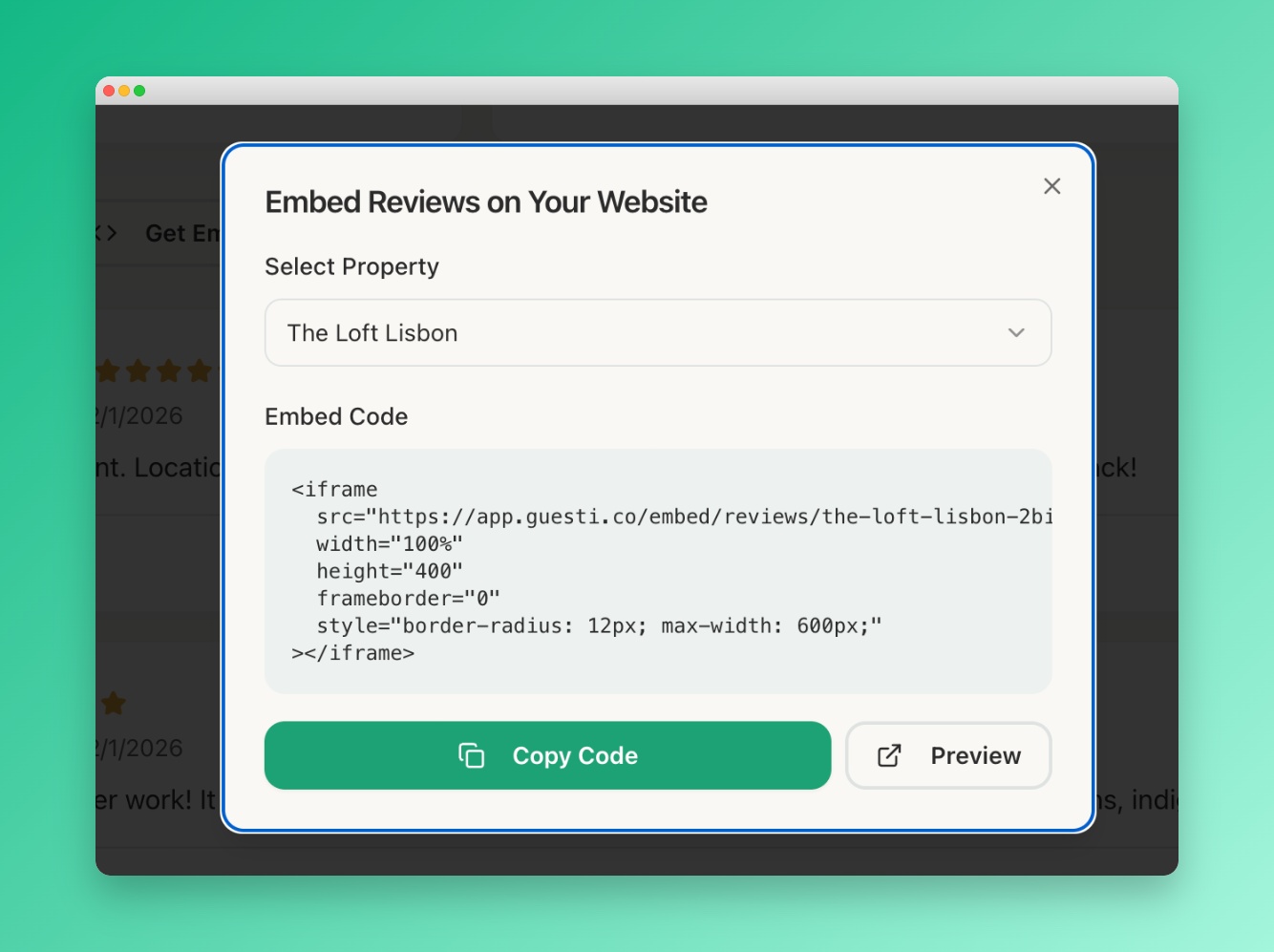
Click "Get Embed Code"
This button appears at the left side of the Reviews page.
Click "Copy Code"
The HTML code snippet is copied to your clipboard.
Paste it into your website
Paste the code into your website's HTML where you want the reviews to appear. It works with any website builder — Wordpress, Squarespace, Wix, Webflow, or plain HTML.
In Wordpress, use a "Custom HTML" block in the Gutenberg editor, or paste the code into your theme's template file using a code snippet plugin.