
Two ways to reorder
Guesti offers two methods for reordering sections — use whichever you find easier.
Method 1: Drag and drop
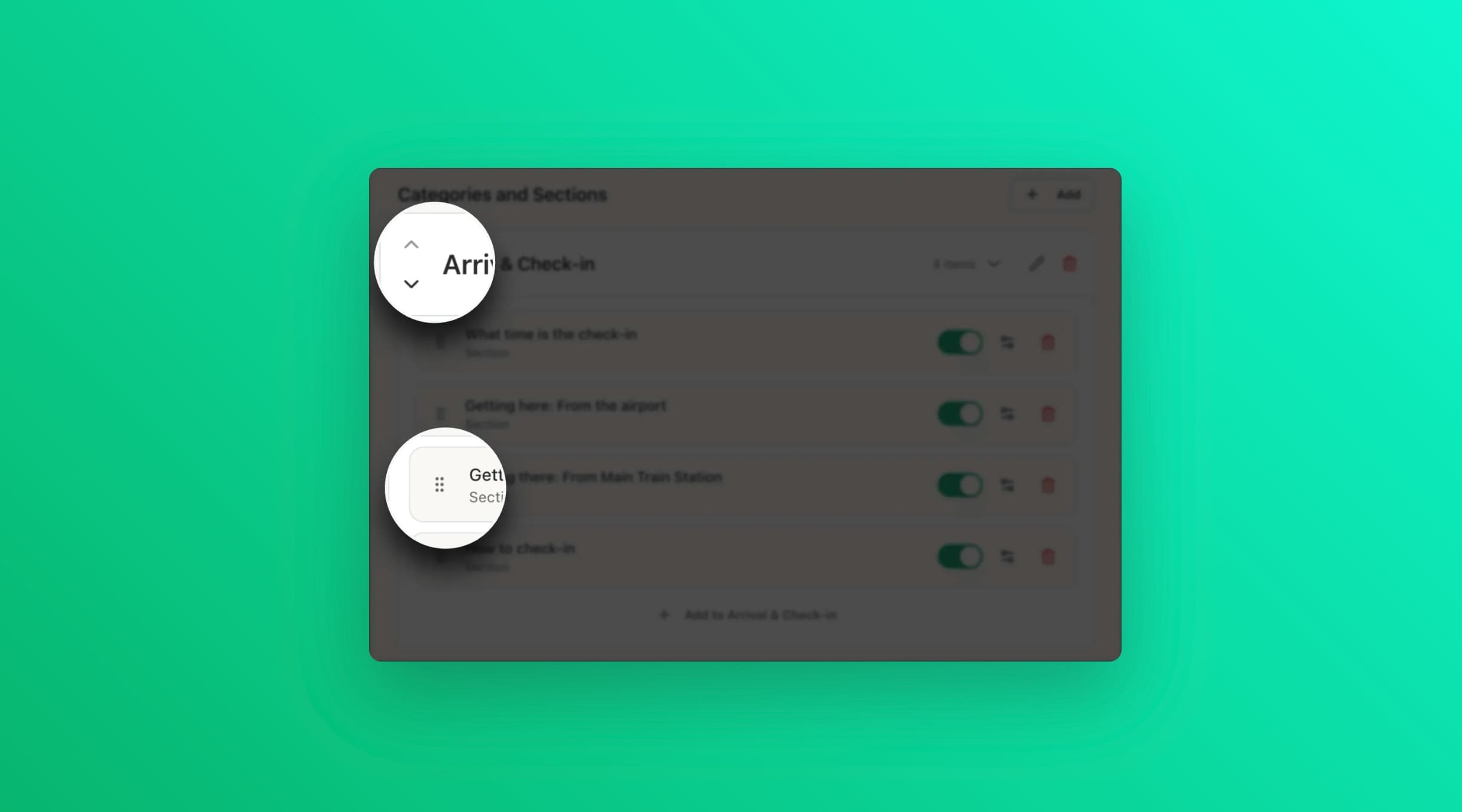
Hover over the section in the left panel where the drag handle (⠿) is shown. Drag the section to the desired position.
Method 2: Arrow buttons
If drag and drop feels fiddly, you can also use the ▲ Up and ▼ Down arrow buttons that appear when you hover or select a section. Click them to move the section one position at a time.
Suggested order
A logical flow for guests: Welcome → WiFi → Check-in → House Rules → Local Tips → Check-out. This mirrors the natural progression of a stay.