What are message templates?
Message templates are pre-written guest messages stored in Guesti. Instead of typing the same check-in instructions for every booking, you write the message once, save it as a template, and copy it with one click whenever you need it. Templates can include placeholders that automatically fill in guest-specific details.
Creating a template
Open Message Templates for your property
From your property page, click Message Templates. You'll see a list of existing templates (or an empty state if you're just starting).
Click "+ New Template"
A blank template editor opens.
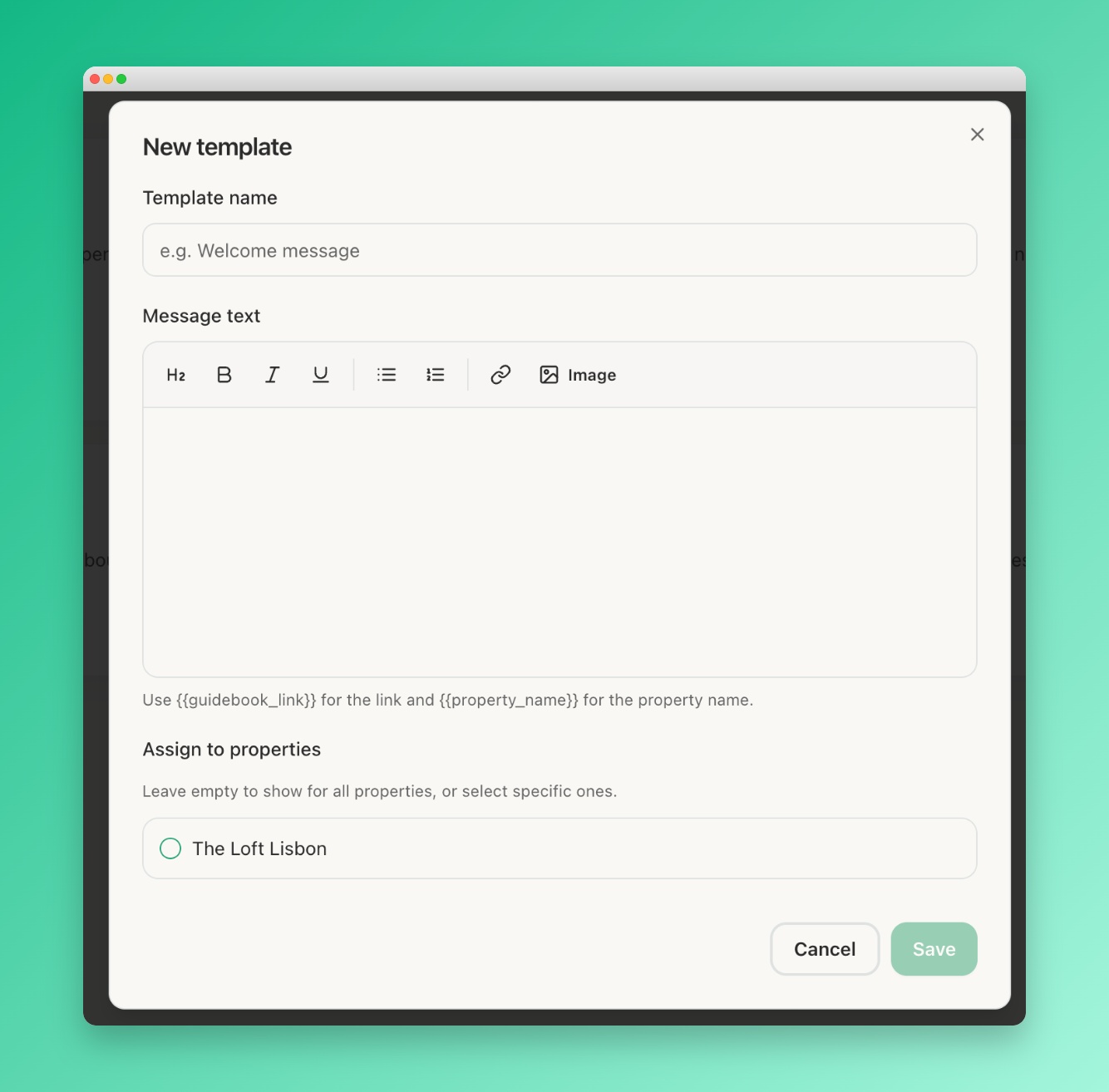 Screenshot: Template editor
The message template editor showing a name field at the top
and a large message body text area below
Screenshot: Template editor
The message template editor showing a name field at the top
and a large message body text area below
Give your template a name
The name is for your reference only — guests never see it. Use descriptive names like "Check-in instructions", "Day-before arrival", or "Review request".
Write the message body
Type your message. Use natural language and personalise it with placeholders like
{{guidebook_link}} and {{property_name}}.
Click "Save"
The template is saved and appears in your templates list. It's now ready to copy and send.
Start with these three: (1) Pre-arrival — send the portal link and key details. (2) Check-in day — welcome message with any last-minute reminders. (3) Post-checkout — thank-you and review request.